Features
Meshes
Textured mesh tilesets: photogrammetry, city models, Google Photorealistic 3D Tiles
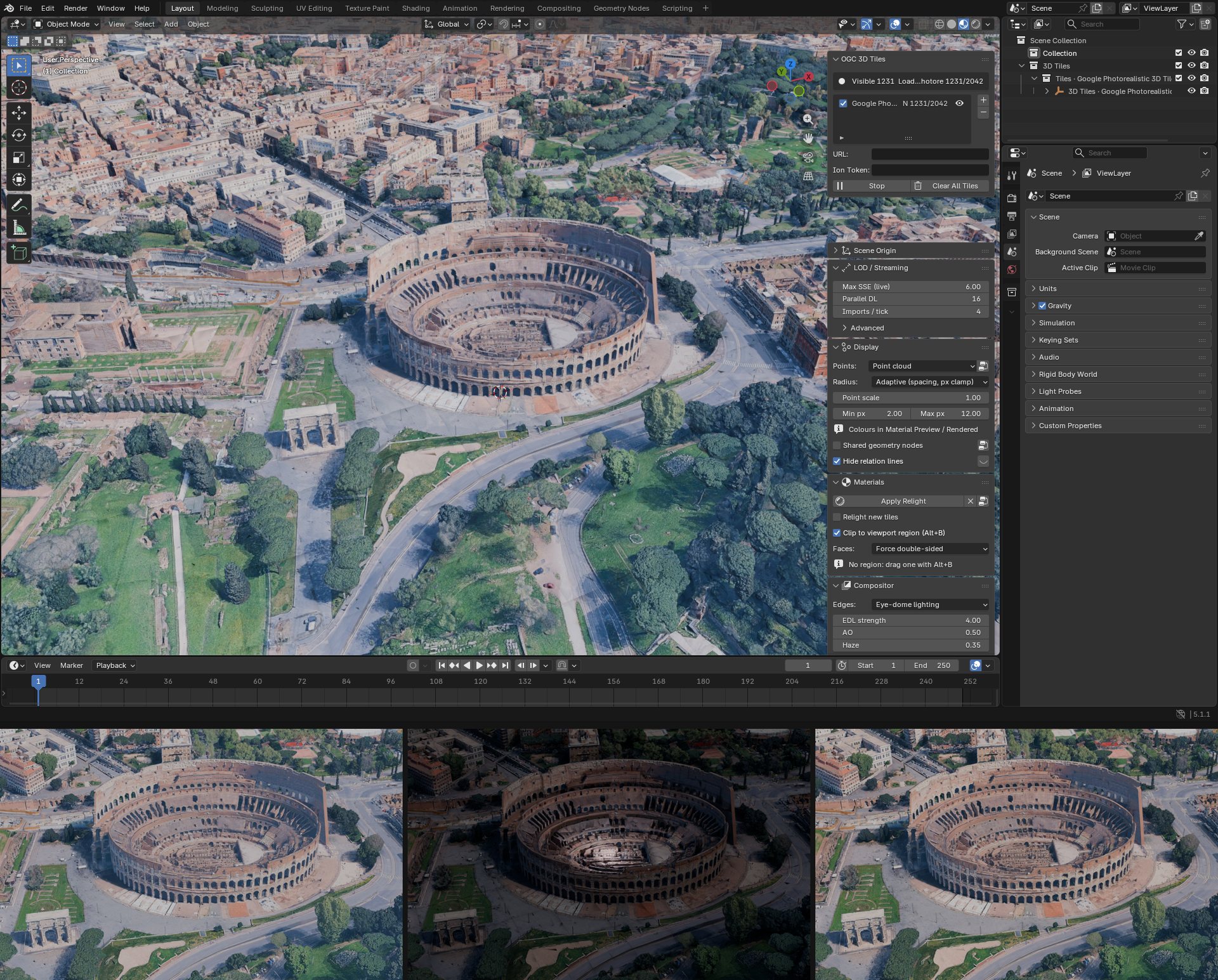
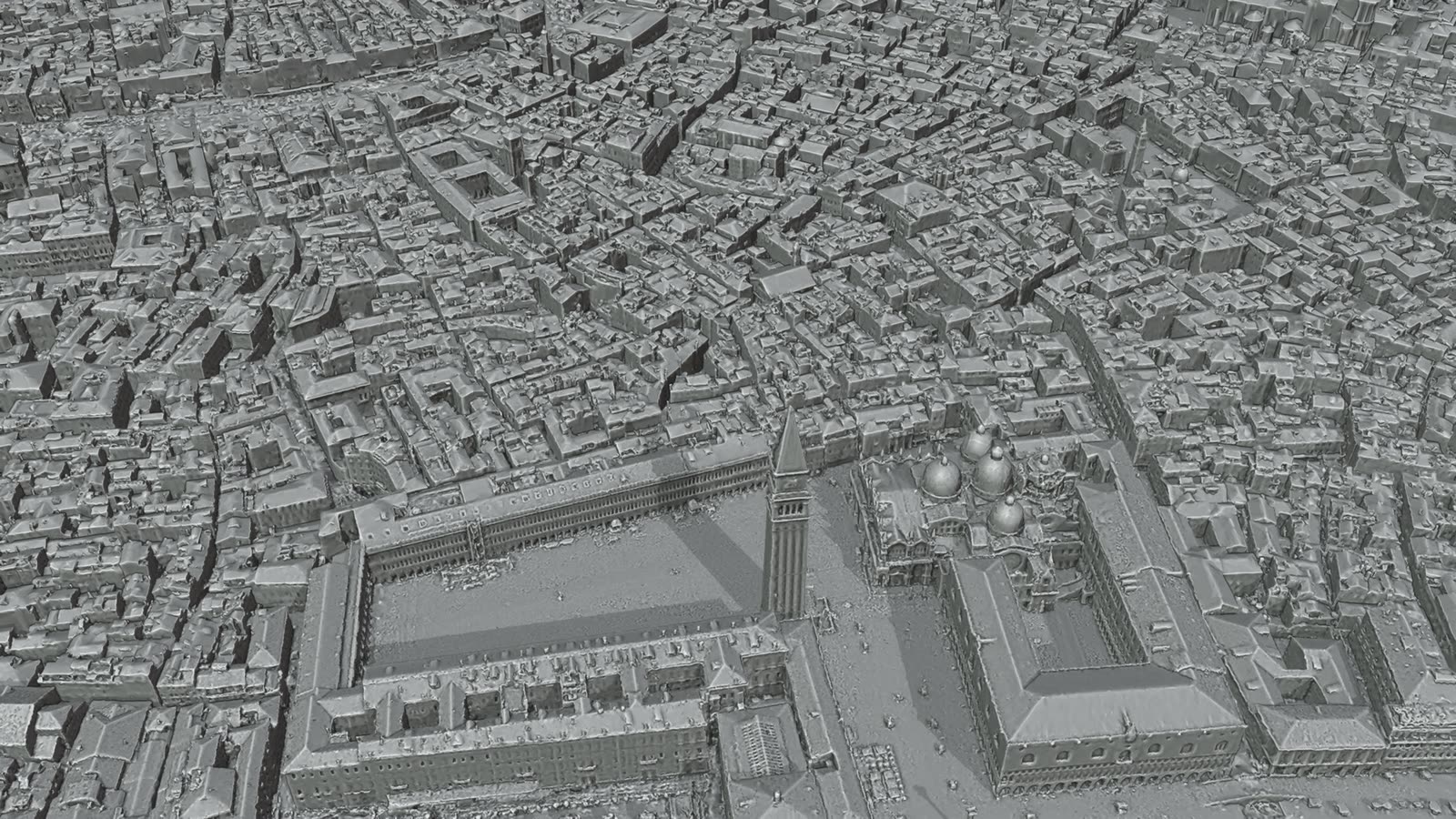
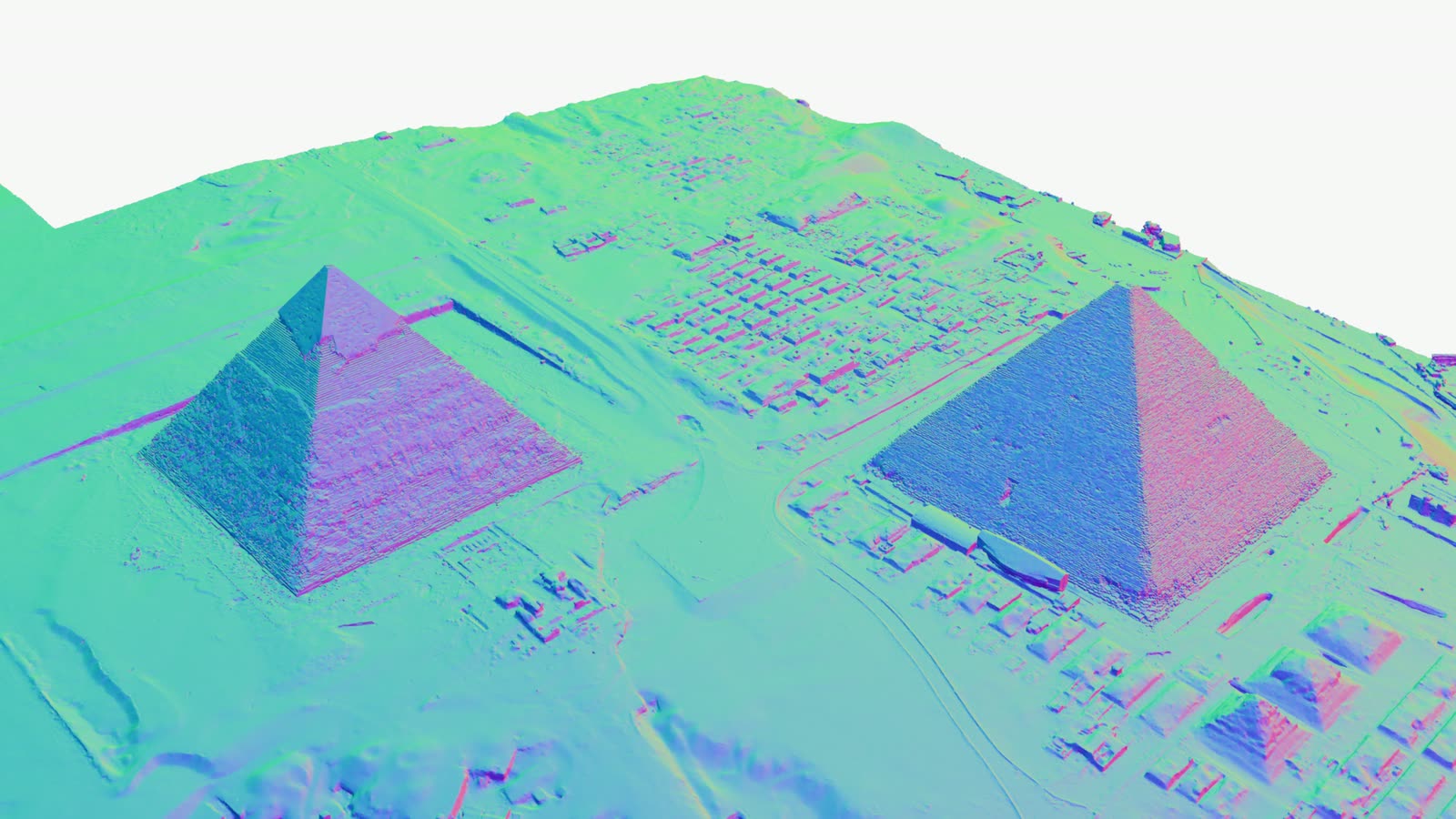
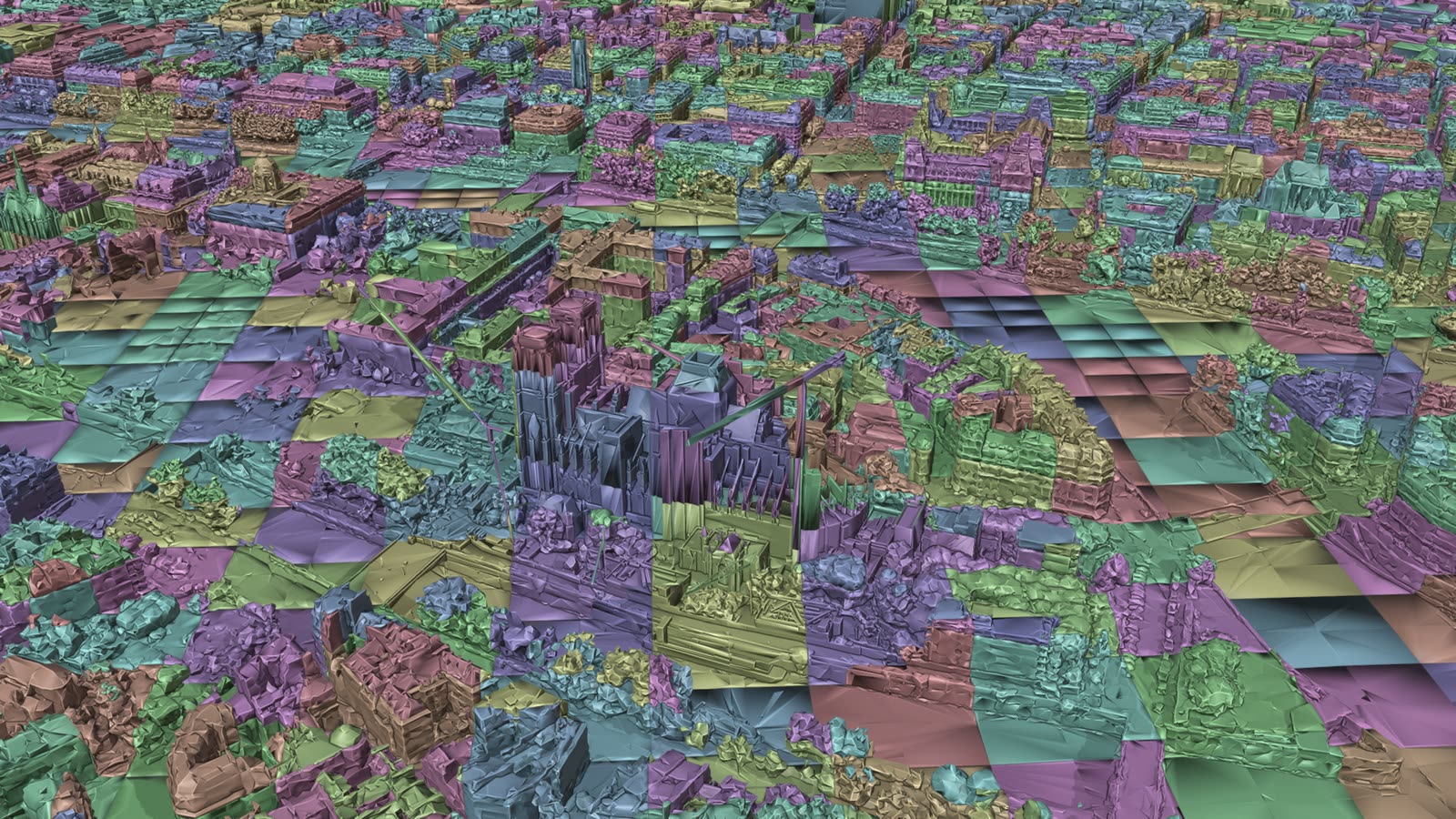
Mesh tilesets are the most common kind: photogrammetry of a site, a city model, Google Photorealistic
3D Tiles. Add the tileset.json and press Start. Each tile becomes a Blender mesh with its own
material and texture.
What is read
| Tile formats | b3dm and glb, 3D Tiles 1.0 and 1.1, implicit tiling included |
| Geometry compression | Draco, meshopt |
| Textures | JPEG, PNG, WebP, KTX2 |
With the cesium-native backend all of these are decoded by cesium-native. The pure Python backend goes through Blender's glTF importer, which on some Blender versions does not read meshopt or KTX2.
Things to know
- Level of detail: Max SSE in LOD / Streaming. Lower is finer and heavier.
- Back faces: most photogrammetry is single-sided. Faces, in Nodes: Material, is on Force double-sided by default, so cut or open meshes show their inside.
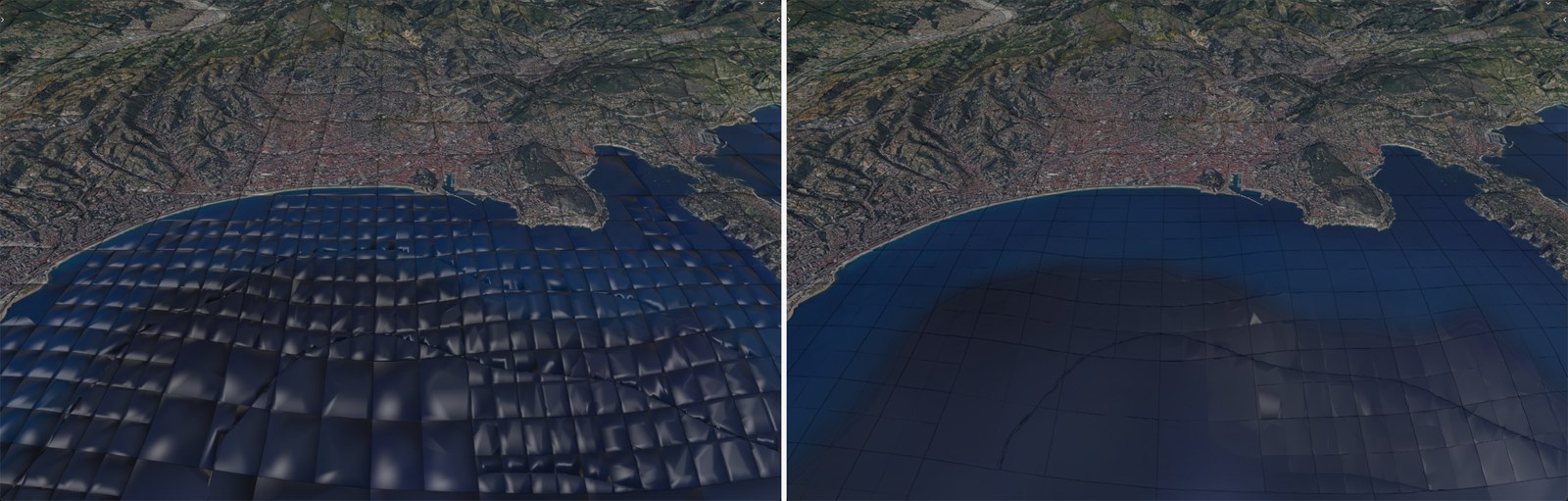
- Normals: most photogrammetry, Google Photorealistic 3D Tiles included, comes without normals, and Blender computes them. The skirt that hangs around each tile to hide cracks used to bend them along the tile's edges, so every tile shaded like a pillow. Edges sharper than 50 degrees now split the normals. The picture above shows the sea off Nice in the Solid view, before and after.
- Lighting: photogrammetry carries its light in its textures. Nodes: Material Shader mixes it with Blender's lamps.
- Edges and relief: Nodes: Compositor adds creases, ambient occlusion and haze.
- Attributes: building types, heights and other tables colour the tiles through Nodes: Metadata.
- Editing: tiles are ordinary meshes, but streaming replaces them as you move. One Geometry Nodes graph can edit them all: see Nodes: Geometry.