Nodes: Compositor
The beauty compositor tree: edges, ambient occlusion, haze
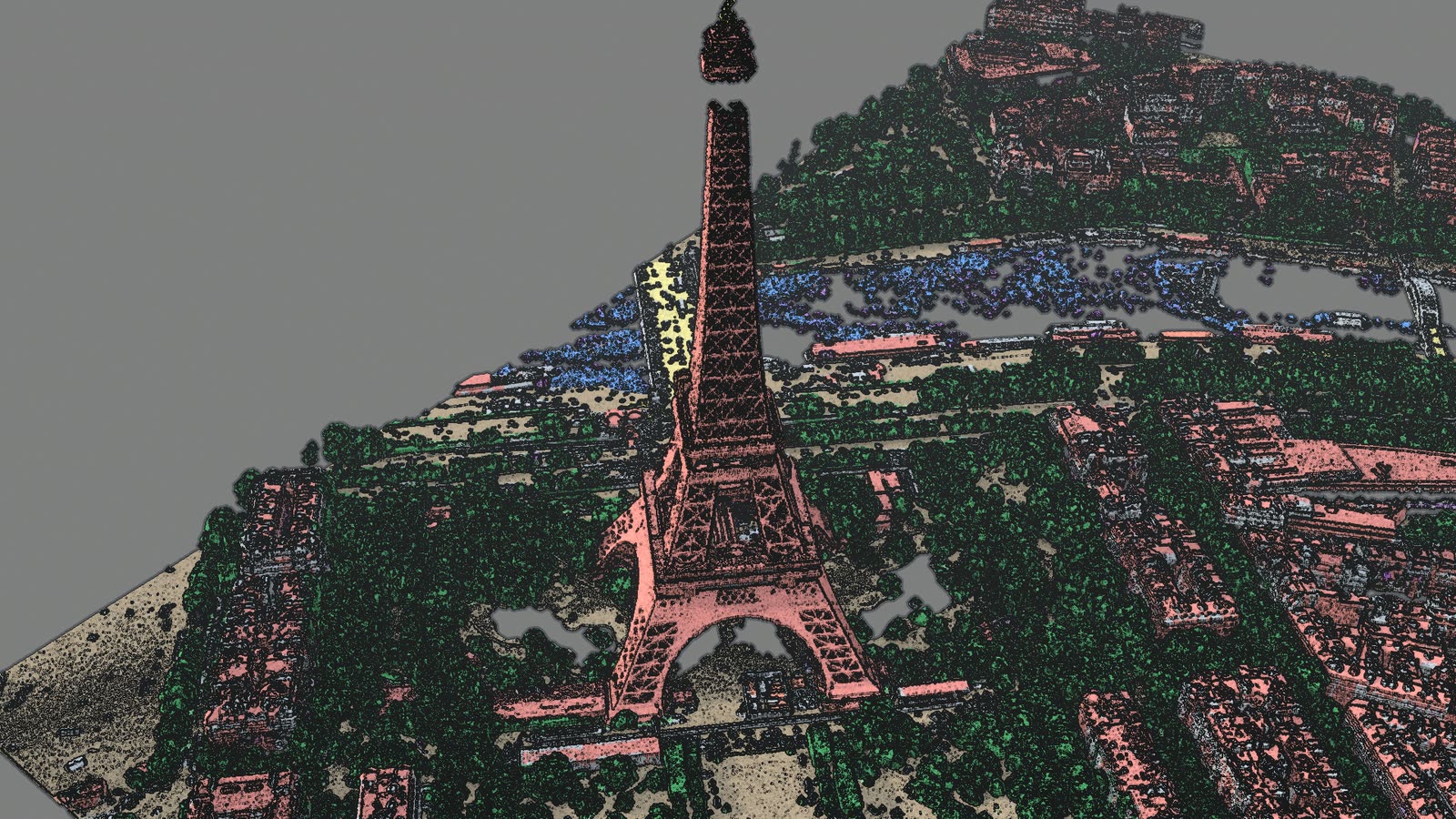
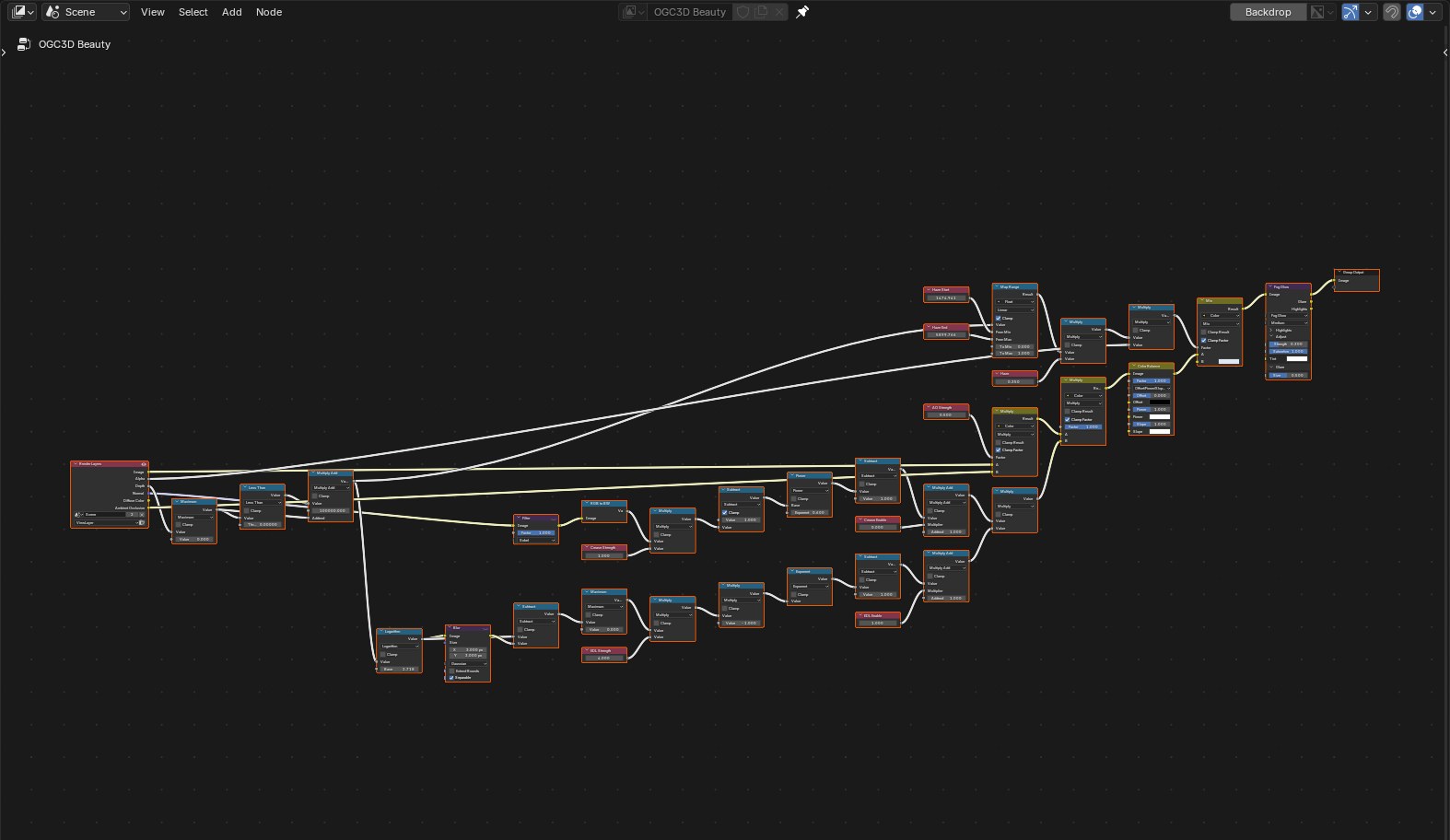
Tick Beauty compositor nodes to build the OGC3D Beauty tree on the scene. It works on render
passes, after the render: edge darkening, ambient occlusion, a colour grade, depth haze and a soft
glare. The add-on switches every 3D viewport's compositor to Always, so Rendered shading shows
it live.
| Setting | What it does |
|---|---|
| Edges | Eye-dome lighting darkens depth steps, which gives point clouds their relief. Normal creases darkens folds on meshes. Or both. |
| EDL strength, Crease strength | How dark those edges get. |
| AO | Ambient occlusion. |
| Haze | Fades distant tiles. The range comes from the extent of what is loaded. |
| Stable viewport | Renders the viewport with one sample, so edges do not shimmer while you move. It costs the viewport's anti-aliasing. |
The sliders drive Value nodes of the tree, so they act at once. The node button opens the tree to edit it by hand; Reset to default in the arrow menu rebuilds it.
Atmosphere preset
Atmosphere preset: sun, sky, haze sets outdoor light in one click:
- a sun lamp,
OGC3D Sun: rotate it to move the light; - a sky with its sun in the same direction: the
OGC3D Skynode group, plugged into the output of the scene's World. The nodes already there stay, only unplugged from the output: plug your Background back in to undo it. The world-icon button next to the preset puts the sky in a new 3D Tiles Sky World instead, and keeps the current one in the file to switch back; - the beauty compositor on, with haze.
The beauty compositor keeps a compositor tree you made yourself: it is kept in the file while the beauty tree is on, and back on the scene when you turn the beauty nodes off. On Blender 4.x, which has one compositor tree per scene, the beauty tree is not built over a tree of yours. With Shared shader nodes on, lower Baked Light to let the sun shade the tiles: see Nodes: Material Shader.
In Cycles
Cycles gives the viewport compositor the image only: no depth, normal or ambient occlusion pass. In a Cycles Rendered viewport the tree keeps its grade and glare, and edges, AO and haze are switched off; the panel says so. An F12 render has every pass and shows them all. EEVEE shows everything in the viewport.
Details
- Rendered shading lights the scene with the world and the lamps only. When the scene has no sun, the add-on brightens Blender's default dark-grey world once, otherwise tiles look black next to Material Preview.
- The viewport's depth pass is 0 where nothing is drawn; the tree reads that as far away.
- EEVEE jitters every viewport sample by a sub-pixel offset and does not accumulate depth and normal passes, which is what makes edges shimmer and what Stable viewport avoids.
scripts/compositor_demo.pybuilds the same tree for headless renders.